








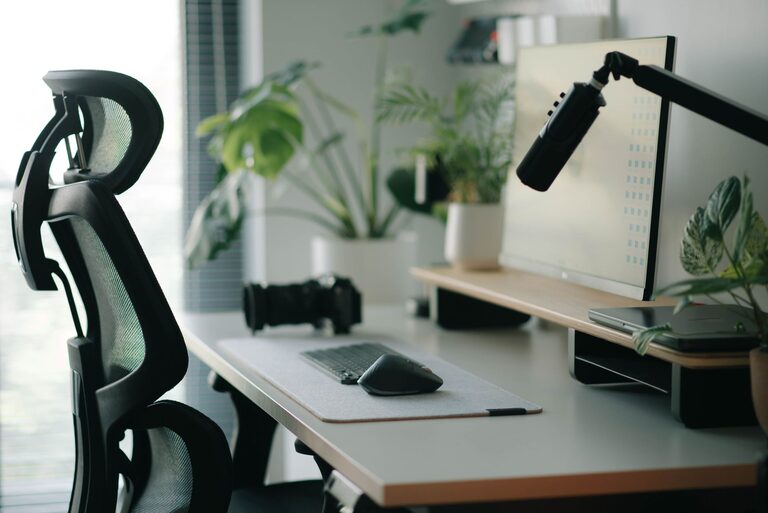
Creating a comfortable and productive home office space is essential for anyone working remotely or spending significant time on personal projects. A well-designed workspace can help you stay focused, reduce stress, and improve your overall well-being. In this guide, we’ll explore practical tips to set up a home office that meets your needs and supports your work style.
Why a Good Home Office Matters
Having a dedicated area for work signals to your brain that it’s time to focus, helping separate professional tasks from home life. Comfort is equally important, as it prevents physical strain and keeps distractions at bay. Together, these factors contribute to better productivity and job satisfaction.
Choosing the Right Location
Find a Quiet, Low-Traffic Area
Select a space in your home away from noisy rooms or street-facing windows if possible. Minimizing interruptions helps you concentrate for longer periods.
Consider Natural Light
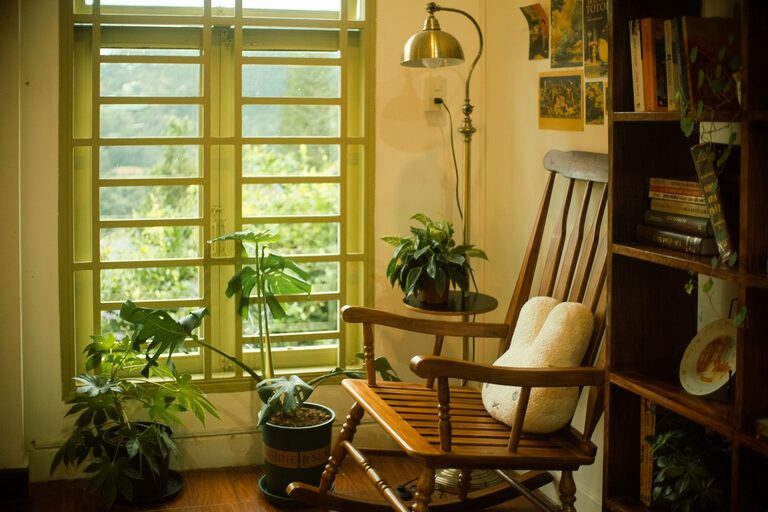
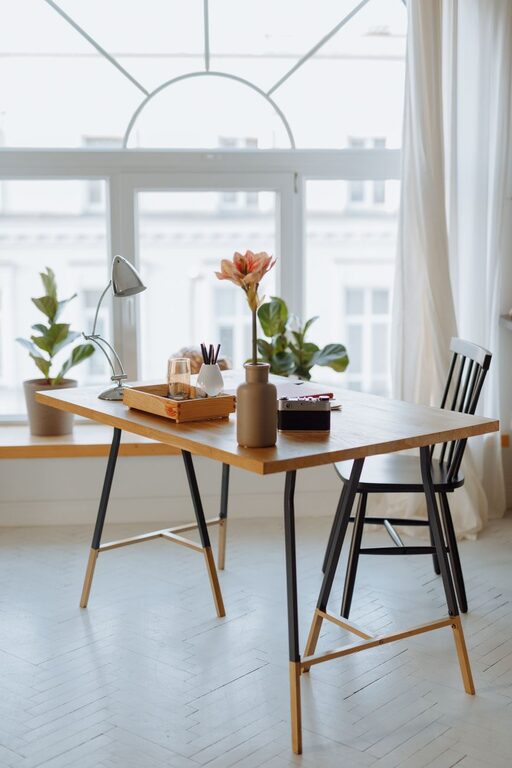
Position your desk near a window to take advantage of daylight. Natural light boosts mood and reduces eye strain. If natural light isn’t available, use adjustable, warm LED lighting to create a bright and inviting environment.
Furniture and Layout
Invest in an Ergonomic Chair
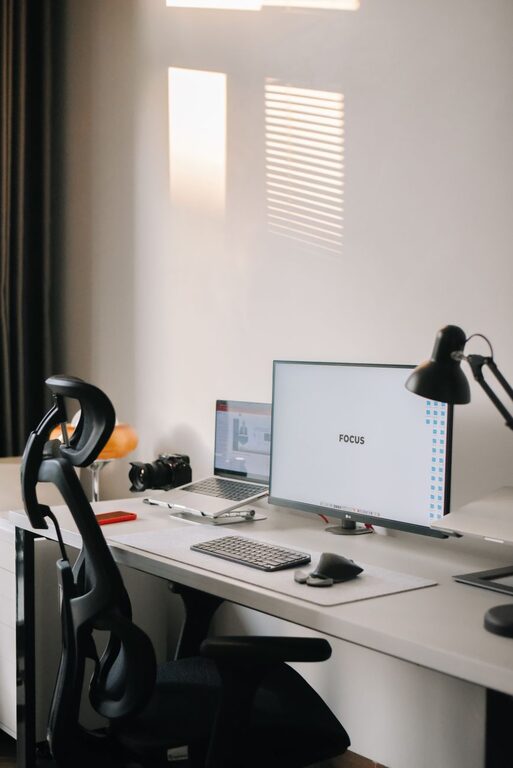
Comfortable seating designed for long hours helps protect your back and neck. Look for chairs with adjustable height, lumbar support, and breathable fabric.
Choose the Right Desk
Pick a desk that fits your space and work requirements. A surface large enough for your computer, documents, and other essentials can prevent clutter and stress.
Use Monitor Stands or Laptop Risers
Keep your screen at eye level to avoid neck strain. Adjustable stands help maintain proper posture throughout the day.
Organizing Your Workspace
Declutter Regularly
Keep only essential items on your desk. A tidy space promotes focus and reduces anxiety.
Use Storage Solutions
Shelves, drawers, and desk organizers help manage supplies and paperwork neatly. Label containers to find what you need quickly.
Manage Cables
Use cable clips or ties to keep cords organized and off the floor, reducing hazards and improving the look of your space.
Personalizing Your Office
Add Plants
Houseplants improve air quality and bring a touch of nature indoors, promoting relaxation and creativity.
Decorate Thoughtfully
Include artwork, photos, or decorative objects that inspire you but avoid distractions. A welcoming environment supports productivity.
Technology Setup
Reliable Internet Connection
Ensure your internet is fast and stable to avoid disruptions during virtual meetings or cloud-based work.
Good Quality Equipment
Invest in a quality keyboard, mouse, and headset to enhance comfort and efficiency.
Backup Power
Consider a surge protector or battery backup to protect your devices and prevent data loss during outages.
Setting Boundaries and Routine
Establish Work Hours
Set clear start and end times to maintain work-life balance, especially if your office space is in a common area.
Take Regular Breaks
Schedule short breaks to stretch, rest your eyes, and refresh your mind, helping maintain focus over long sessions.
Final Thoughts
Designing a home office space that balances comfort and productivity is achievable with thoughtful planning. Remember, your workspace should serve your unique needs while encouraging concentration and well-being. With these tips, you’ll be better equipped to create an environment where you can thrive professionally from the comfort of your home.