








Working from home has become a common part of many people’s routines. Having a productive and comfortable workspace is essential to staying focused and efficient during your workday. Organizing your home workspace doesn’t just improve aesthetics—it can also help reduce stress and increase motivation. Here are some helpful tips to create a productive home workspace that works well for you.
Choose the Right Location
Selecting the perfect spot for your home workspace is the first step. Ideally, choose an area with minimal distractions, good natural light, and enough space for your equipment.
– Quiet Spaces: Pick a quiet corner or room where you won’t be disturbed by household noise or foot traffic.
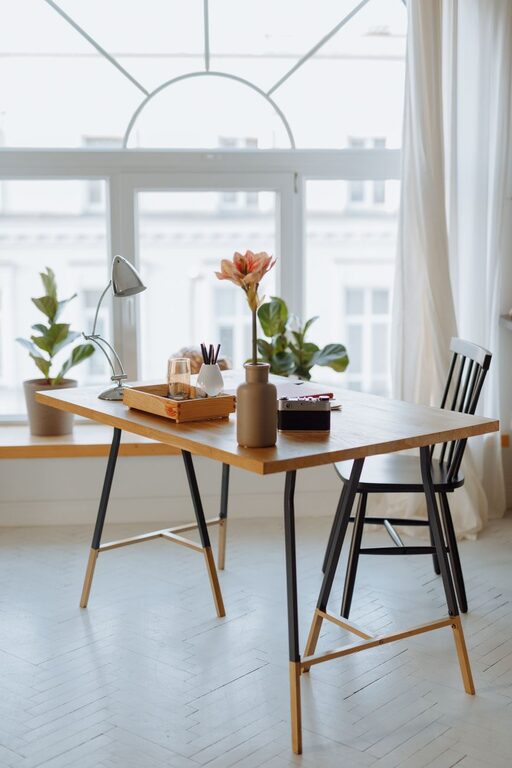
– Natural Light: Position your desk near a window to take advantage of natural daylight, which can improve mood and reduce eye strain.
– Adequate Space: Ensure there’s enough room for your computer, documents, and any tools you regularly use.
If a dedicated room is not available, consider using dividers or screens to separate your workspace from the rest of the living area.
Invest in Ergonomic Furniture
Comfort matters when you spend hours at your desk. Ergonomic furniture supports good posture and reduces fatigue.
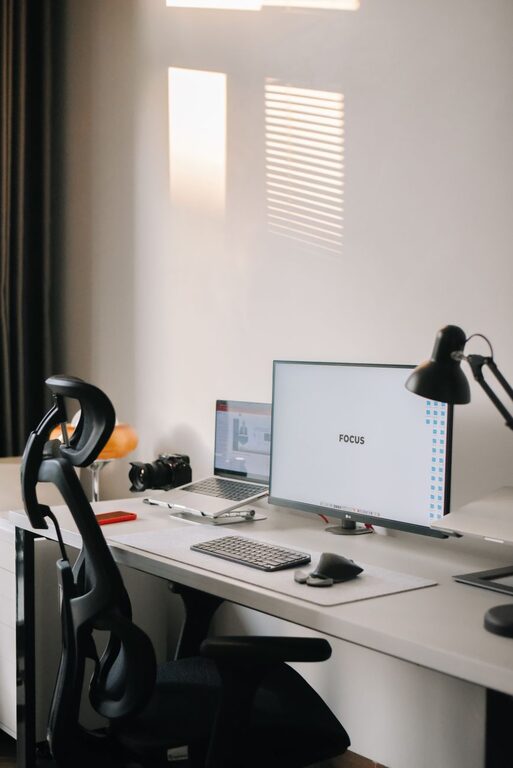
– Chair: Choose a chair that supports your lower back with adjustable height and armrests.
– Desk: Use a desk at the right height to keep your arms at a comfortable angle while typing.
– Keyboard and Mouse: Ergonomic keyboard and mouse designs help avoid strain injuries.
If space allows, consider a sit-stand desk to alternate between sitting and standing throughout the day.
Keep Your Work Area Organized
Clutter can be distracting. An organized workspace helps maintain focus and makes it easier to find necessary items quickly.
– Declutter Regularly: Clear off your desk at the end of each day. Keep only essential items on the surface.
– Use Storage Solutions: Use shelves, drawers, or filing cabinets to store papers, office supplies, and electronics.
– Cable Management: Use clips or cable organizers to keep cords tangle-free and out of sight.
Label storage containers and files so you can locate documents without hassle.
Optimize Lighting
Good lighting reduces eye strain and keeps you alert.
– Task Lighting: In addition to natural light, use a desk lamp with adjustable brightness to illuminate your work area.
– Avoid Glare: Position screens and lights to minimize glare or reflections.
– Warm vs. Cool Light: Use cooler, daylight-balanced bulbs during work hours to stay alert; warmer light can be relaxing but less suitable for productivity.
Minimize Digital Distractions
Your devices can help you work but can also distract easily.
– Notification Settings: Turn off non-essential notifications during work hours.
– Use Focus Tools: Apps or browser extensions that block distracting sites can help maintain concentration.
– Organize Desktop and Files: Keep your computer desktop tidy with organized folders to reduce digital clutter.
Personalize Without Overdoing It
A workspace that feels welcoming can boost your mood, but too many decorations can also distract.
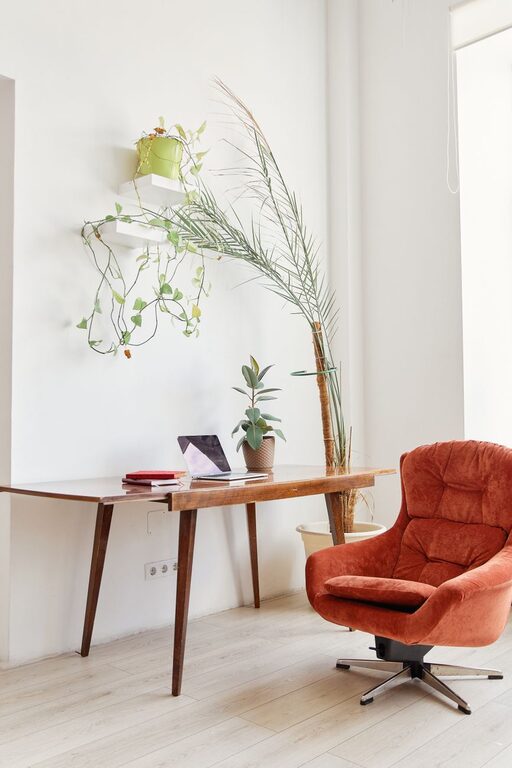
– Add Plants: Small indoor plants can improve air quality and add a calming touch.
– Inspirational Items: Photos, quotes, or artwork can motivate you.
– Limit Distractions: Avoid excessive decorations or items that may pull your focus away.
Establish a Daily Routine
Organization also includes planning how you use your workspace.
– Set Work Hours: Define clear start and finish times to help separate work from home life.
– Breaks: Schedule short breaks to stretch or relax your eyes.
– End-of-Day Routine: Tidy your workspace and plan tomorrow’s tasks before shutting down.
Keep Essential Supplies Within Reach
Having everything you need close by prevents interruptions.
– Everyday Items: Pens, notebooks, chargers, and headphones should be nearby.
– Refreshment Station: Keep water or snacks accessible, so you don’t need to leave your desk often.
– Technology Setup: Ensure your internet connection and hardware function smoothly to avoid technical delays.
Regularly Review and Adjust Your Setup
Over time, your needs may change.
– Assess What Works: Periodically evaluate your workspace to see if it remains comfortable and productive.
– Make Improvements: Adjust lighting, seating, or storage as needed.
– Stay Flexible: Home life can be dynamic, so adapt your workspace accordingly.
—
Creating a productive home workspace is all about comfort, organization, and minimizing distractions. Even small changes can make a big difference in your work efficiency and overall well-being. By following these tips, you can build a space that supports your goals and makes working from home a positive experience.