








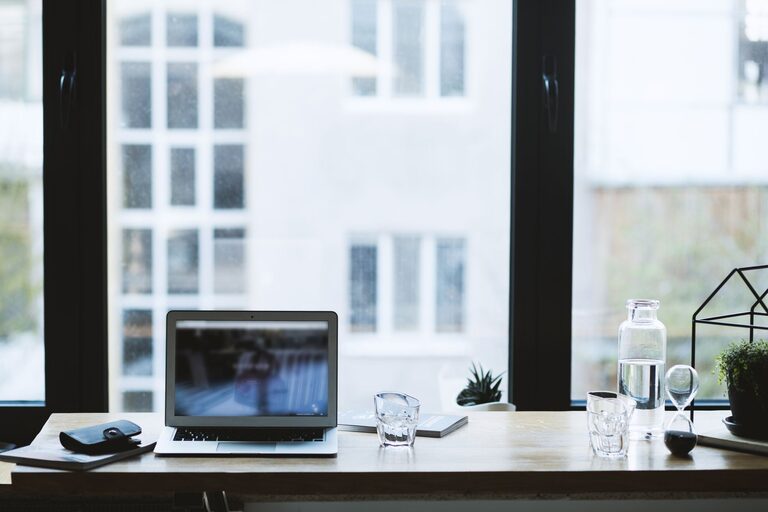
Creating a productive home office environment is essential for anyone working remotely or running a business from home. An efficient workspace helps you stay focused, reduces distractions, and encourages a healthy work-life balance. Whether you’re new to working from home or looking to improve your current setup, these tips can help you design a space that supports your productivity and well-being.
Choose the Right Location
Find a Dedicated Space
Selecting a dedicated area for your home office is crucial. It helps your brain associate that space with work, making it easier to focus. Ideally, pick a quiet room with a door you can close to minimize interruptions.
Consider Natural Light
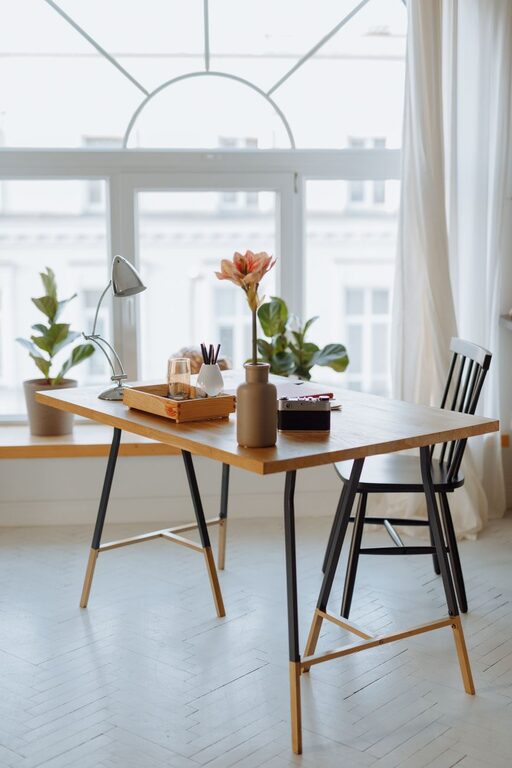
Natural light improves mood and energy levels. Position your desk near a window if possible to take advantage of daylight. If natural light is limited, invest in good-quality artificial lighting that mimics daylight.
Invest in Comfortable Furniture
Select an Ergonomic Chair
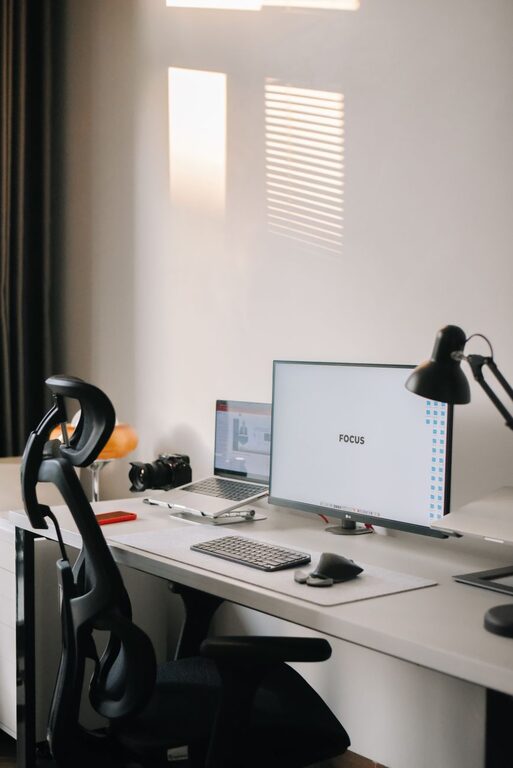
Comfort is key when sitting for long hours. Use an ergonomic chair that supports your back and encourages good posture. Adjustable height and lumbar support can prevent discomfort and pain.
Use a Proper Desk
Your desk should be spacious enough to hold your computer, notebook, and other essentials without clutter. Adjustable desks that allow switching between sitting and standing can promote movement and reduce fatigue.
Organize Your Workspace
Declutter Regularly
A tidy workspace helps reduce stress and distractions. Keep only the items you need daily within reach and store the rest neatly. Use shelves, drawers, or organizers to maintain order.
Manage Cables and Tech
Tangled cables can be distracting and unsafe. Use cable organizers or clips to keep cords neat and out of sight. Regularly update your technology to avoid slowdowns and frustrations.
Optimize for Productivity
Set Clear Boundaries
Create rules for yourself and household members about your working hours and breaks. Setting boundaries helps reduce interruptions and establishes a routine.
Use a Task Management System
Keep track of your responsibilities with a planner, digital app, or to-do list. Breaking down tasks into smaller steps makes managing work easier and helps maintain focus.
Minimize Distractions
Control Noise Levels
Noise-canceling headphones or background music can help drown out household sounds. If external noise is a problem, consider soundproofing options like acoustic panels or rugs.
Limit Screen Distractions
Turn off non-essential notifications and close unrelated tabs on your computer while working. Designate specific times to check emails and social media to prevent interruptions.
Personalize Your Workspace
Add Inspiring Touches
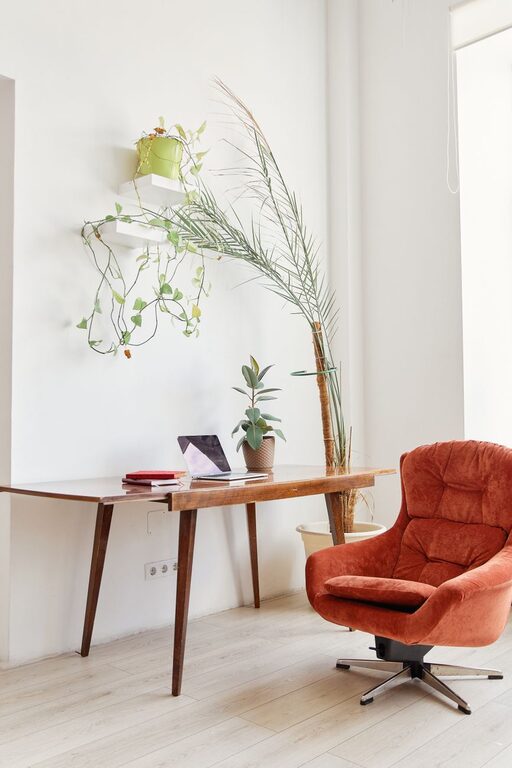
Decorate your home office with plants, artwork, or motivational quotes. Personal touches can make your space more inviting and improve your mood.
Make It Comfortable
Adjust the room temperature, add a cozy blanket if needed, and keep a water bottle nearby to stay hydrated.
Prioritize Healthy Habits
Take Regular Breaks
Following the Pomodoro technique or simply stepping away from your desk every hour helps refresh your mind and body.
Incorporate Movement
Stretch, take short walks, or do light exercises during breaks to reduce stiffness and boost energy.
Maintain Work-Life Balance
Define a Work Schedule
Sticking to set working hours helps you avoid overworking and keeps your personal time protected.
Create an End-of-Day Ritual
Shutting down your computer and tidying your workspace signals that the workday is over and helps you transition to relaxation.
—
By thoughtfully designing your home office environment using these tips, you can create a space that encourages productivity, comfort, and balance. Remember that adapting your workspace to your unique needs is key to achieving sustained success and satisfaction while working from home.